Source Code
<div class="dvf-page">
<main class="dvf-content"><p>Page content above the footer</p></main>
<footer class="dvf">
<div class="dvf-inner">
<span class="dvf-copy">© 2026 Kestrel Docs</span>
<div class="dvf-version">
<button class="dvf-version-btn" id="dvfVersionBtn" aria-haspopup="listbox" aria-expanded="false">
<span id="dvfVersionLabel">v4.2 (latest)</span>
<svg width="11" height="11" viewBox="0 0 24 24" fill="none" stroke="currentColor" stroke-width="3"><polyline points="6 9 12 15 18 9"/></svg>
</button>
<ul class="dvf-version-menu" id="dvfVersionMenu" role="listbox" hidden>
<li role="option" data-v="4.2" data-latest="true">v4.2 <span class="dvf-tag">latest</span></li>
<li role="option" data-v="4.1">v4.1</li>
<li role="option" data-v="3.0">v3.0</li>
<li role="option" data-v="2.5" data-eol="true">v2.5 <span class="dvf-tag dvf-tag-eol">EOL</span></li>
</ul>
</div>
<p class="dvf-eol-note" id="dvfEolNote" hidden>You are viewing an unsupported version. <a href="#" id="dvfLatestLink">Switch to latest →</a></p>
<nav class="dvf-links">
<a href="#">GitHub</a>
<a href="#">Changelog</a>
<a href="#">API Reference</a>
<a href="#" id="dvfEditLink">Edit this page</a>
</nav>
</div>
</footer>
</div>*{box-sizing:border-box;margin:0;padding:0}
body{font-family:system-ui,-apple-system,sans-serif;background:#fff}
.dvf-page{min-height:100vh;display:flex;flex-direction:column}
.dvf-content{flex:1;display:flex;align-items:center;justify-content:center;color:#94a3b8;font-size:13px;padding:50px 20px}
.dvf{border-top:1px solid #e2e8f0}
.dvf-inner{max-width:1000px;margin:0 auto;padding:14px 24px;display:flex;align-items:center;gap:18px;flex-wrap:wrap;font-size:12.5px;color:#64748b}
.dvf-copy{white-space:nowrap}
.dvf-version{position:relative}
.dvf-version-btn{display:flex;align-items:center;gap:6px;background:#f8fafc;border:1px solid #e2e8f0;border-radius:8px;padding:6px 10px;font-size:12px;font-weight:700;color:#334155;cursor:pointer;font-family:inherit}
.dvf-version-btn:hover{background:#f1f5f9}
.dvf-version-btn svg{transition:transform .15s;color:#94a3b8}
.dvf-version.open .dvf-version-btn svg{transform:rotate(180deg)}
.dvf-version-menu{position:absolute;bottom:calc(100% + 6px);left:0;background:#fff;border:1px solid #e2e8f0;border-radius:10px;box-shadow:0 12px 28px -8px rgba(0,0,0,.15);list-style:none;min-width:150px;padding:5px;z-index:5}
.dvf-version-menu li{padding:7px 10px;border-radius:6px;font-size:12.5px;color:#334155;cursor:pointer;display:flex;align-items:center;justify-content:space-between;gap:8px}
.dvf-version-menu li:hover{background:#f1f5f9}
.dvf-version-menu li[aria-selected="true"]{background:#eef2ff;color:#4338ca;font-weight:700}
.dvf-tag{font-size:9px;font-weight:800;text-transform:uppercase;background:#dcfce7;color:#15803d;padding:2px 6px;border-radius:5px}
.dvf-tag-eol{background:#fee2e2;color:#b91c1c}
.dvf-eol-note{width:100%;order:5;background:#fffbeb;border:1px solid #fde68a;color:#92400e;font-size:12px;padding:8px 12px;border-radius:8px}
.dvf-eol-note a{color:#b45309;font-weight:700;text-decoration:underline}
.dvf-links{display:flex;gap:16px;margin-left:auto;flex-wrap:wrap}
.dvf-links a{color:#64748b;text-decoration:none;transition:color .15s}
.dvf-links a:hover{color:#0f172a}
@media (max-width:640px){
.dvf-inner{flex-direction:column;align-items:flex-start}
.dvf-links{margin-left:0}
}var versionBtn = document.getElementById('dvfVersionBtn');
var versionWrap = versionBtn.closest('.dvf-version');
var menu = document.getElementById('dvfVersionMenu');
var label = document.getElementById('dvfVersionLabel');
var eolNote = document.getElementById('dvfEolNote');
var latestLink = document.getElementById('dvfLatestLink');
var editLink = document.getElementById('dvfEditLink');
function closeMenu() {
menu.hidden = true;
versionWrap.classList.remove('open');
versionBtn.setAttribute('aria-expanded', 'false');
}
function openMenu() {
menu.hidden = false;
versionWrap.classList.add('open');
versionBtn.setAttribute('aria-expanded', 'true');
}
versionBtn.addEventListener('click', function () {
if (menu.hidden) openMenu(); else closeMenu();
});
document.addEventListener('click', function (e) {
if (!versionWrap.contains(e.target)) closeMenu();
});
function selectVersion(li) {
var v = li.dataset.v;
var isLatest = li.dataset.latest === 'true';
var isEol = li.dataset.eol === 'true';
Array.prototype.forEach.call(menu.querySelectorAll('li'), function (item) {
item.removeAttribute('aria-selected');
});
li.setAttribute('aria-selected', 'true');
label.textContent = 'v' + v + (isLatest ? ' (latest)' : '');
eolNote.hidden = !isEol;
editLink.href = '#docs-v' + v;
closeMenu();
}
Array.prototype.forEach.call(menu.querySelectorAll('li'), function (li) {
if (li.dataset.latest === 'true') li.setAttribute('aria-selected', 'true');
li.addEventListener('click', function () { selectVersion(li); });
});
latestLink.addEventListener('click', function (e) {
e.preventDefault();
selectVersion(menu.querySelector('li[data-latest="true"]'));
});Learn Coding Visually
Learn to code with interactive, live-preview playgrounds — HTML, CSS, JavaScript, React & more.
 HTML Playground42 lessons · Click-based · Live preview
 CSS PlaygroundLearn CSS with a live editor
 JavaScript Playground60 lessons · DOM · Async · Canvas
 React PlaygroundLearn React with a live code editor
 GSAP PlaygroundLearn GSAP animation interactively
 SVG Playground44 lessons · shapes · paths · animation
 SCSS Playground45 lessons · Sass modules · tokens
 Tailwind PlaygroundLearn Tailwind CSS with a live editor
 Bootstrap 5 Playground50 lessons · live preview
Docs Footer with Version Selector — Free Snippet
Docs Footer with Version Selector · Footers · Plain HTML, CSS & JS · Live preview
What's included
Features
About this UI Snippet
Documentation Site Footer — Version Dropdown with an EOL Warning Banner
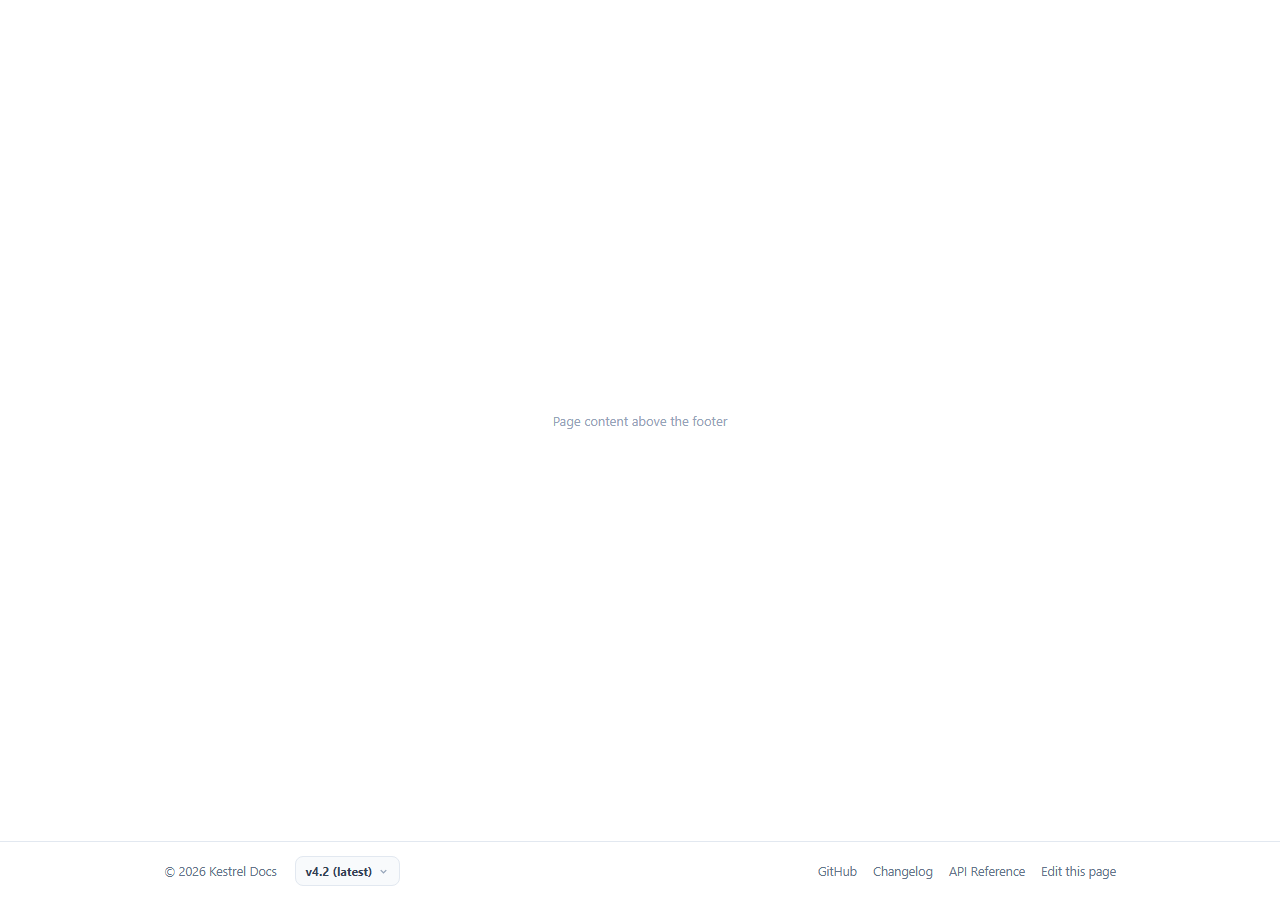
Documentation sites carry a problem marketing pages never face: a reader can land on a version of the docs that is years out of date, and nothing in a typical footer tells them so. This snippet is a deliberately minimal single-row docs footer built around one job — a version dropdown that lets a reader jump between documented releases, paired with a warning banner that appears automatically the moment they land on (or switch to) an end-of-life version.
A single row, on purpose
Unlike a marketing mega-footer, a documentation footer should stay out of the way of the actual content above it. This footer is one flex row: a copyright string, the version selector, and a small link cluster (GitHub, changelog, API reference, edit-this-page) aligned to the right — matching the restrained footer style used by most real documentation platforms, where every extra element competes with the reader's attention against the docs content itself.
A real dropdown, not a native select
The version control is a button plus an absolutely positioned <ul role="listbox"> menu rather than a native <select>, which lets each option carry its own colored tag (a green "latest" badge or a red "EOL" badge) that a plain <select> cannot render. aria-haspopup, aria-expanded, and role="option"/aria-selected are wired throughout so the custom menu still communicates its state to assistive technology the way a native control would.
The EOL banner is derived state, not a separate toggle
selectVersion(li) reads the clicked option's data-eol attribute and sets eolNote.hidden directly from it — there is no separate flag to keep in sync. Selecting v2.5 always shows the warning banner and switching to v4.2 always hides it, because the visibility is computed from the same data attribute that defines the version itself, so the banner can never show the wrong warning for the currently selected version.
Click-outside-to-close, the correct way
A single document-level click listener checks !versionWrap.contains(e.target) and calls closeMenu() whenever a click lands outside the version control — the standard, low-overhead pattern for a custom dropdown that needs to behave like a native one without pulling in a floating-UI library.
A version-aware edit link
Clicking a version also rewrites editLink.href to point at that version's own edit-this-page target ('#docs-v' + v in this demo), modeling how a real docs site keeps the "Edit this page" and "View source" links pointed at the correct branch or tag for whichever version is currently selected, rather than always linking to the latest source regardless of what the reader is looking at.
Wiring it to a real docs build
Replace the four demo <li> entries with your actual published versions (commonly generated from your docs build's version manifest), point selectVersion's navigation at your router or a full page reload to the versioned docs path, and drive data-eol from your own support-lifecycle policy so the warning banner appears automatically as versions age out rather than needing to be updated by hand.
Build with AI
Build, Understand, Optimize, and Extend It With AI
Instead of tracing the derived-banner logic by hand, paste this snippet's HTML, CSS, and JS into an AI coding assistant like Claude and ask it to explain exactly how the EOL warning banner’s visibility is computed directly from the selected option’s own data-eol attribute rather than a separately tracked flag, and why that avoids a whole class of bugs where the banner could show the wrong version’s warning. The same assistant can help you optimize it, for instance asking whether the version list should be fetched from a docs build manifest instead of hardcoded list items. It is also useful for extending the footer: ask it to persist the selected version in the URL path so a shared link opens the same version, add keyboard arrow-key navigation through the listbox, or wire the edit-this-page link to a real GitHub source path per version. Treat the code less like a finished artifact and more like a starting point for a conversation.
Prompt to recreate it
Copy this into your AI assistant of choice to build the effect from scratch, or as a jumping-off point for your own variant:
Build a minimal single-row documentation site footer in plain HTML, CSS, and JavaScript with a custom version-selector dropdown, no library.

Requirements:
- A single flex row containing a copyright string, a version-selector control, and a small cluster of links (GitHub, Changelog, API Reference, Edit this page) aligned to the far side — keep the whole footer compact and low-visual-weight rather than a large multi-column footer.
- The version selector must be a button that toggles an absolutely positioned dropdown list of version options (not a native select element), where each option can optionally show a small colored "latest" tag or a differently colored "EOL" (end of life) tag next to its version number.
- Clicking a version option must update the button’s label to that version, mark that option as selected (removing the selected state from every other option), and close the dropdown; wire aria-haspopup, aria-expanded on the button, and role="option" plus aria-selected on the options for accessibility.
- Clicking anywhere outside the open dropdown must close it, using a single document-level click listener rather than one listener per interactive element.
- Selecting a version whose option is marked as end-of-life must automatically reveal a warning banner elsewhere in the footer with a "switch to latest" link, and selecting any non-EOL version must automatically hide that banner — the banner’s visibility must be computed directly from the selected option’s own EOL data rather than tracked as a separate variable that could fall out of sync.
Want to tighten it up first? Run this prompt through the AI Prompt Studio to score it across 8 quality dimensions, catch anti-patterns, and tune the wording for Claude, ChatGPT, or Gemini before you paste it in.
Step by step
How to Use
- 1Paste HTML, CSS, and JSA single-row docs footer renders with the version button reading "v4.2 (latest)".
- 2Click the version buttonA dropdown opens listing all versions, with latest and EOL tags shown next to the relevant entries.
- 3Select an older versionThe label updates and, for v2.5, a yellow EOL warning banner appears with a link back to latest.
- 4Click outside the open menuIt closes automatically, matching standard dropdown behavior.
- 5Edit the version listIn the HTML panel, add or remove <li> entries in #dvfVersionMenu with a data-v value and optional data-latest or data-eol.
- 6Export in your formatClick HTML, JSX, or Tailwind to download the version you need.
Real-world uses
Common Use Cases
Got questions?
Frequently Asked Questions
A native select cannot render the colored latest and EOL tags shown next to each version option in this design. The custom button-plus-listbox pattern keeps full visual control while still wiring aria-haspopup, aria-expanded, and role/aria-selected attributes so it remains accessible.
selectVersion() reads the data-eol attribute directly off the clicked list item and sets the banner’s hidden property from that boolean. There is no separate state variable to keep synchronized, so the banner can never disagree with which version is actually selected.
A single click listener on the document checks whether the click target is contained within the .dvf-version wrapper element. Any click outside that wrapper calls closeMenu(), the same standard pattern used by most custom dropdowns without needing per-element listeners.
Add a new <li role="option"> inside #dvfVersionMenu with a data-v value, and optionally data-latest="true" or data-eol="true". No JavaScript changes are needed — the existing loop attaches a click handler to every list item automatically.
Yes — selectVersion() rewrites editLink.href using the selected version’s value on every change, so it always points at that version’s own source location rather than staying fixed to the latest version regardless of what is being viewed.
Yes. Keep the version list as an array of {value, label, latest, eol} objects, track the selected value in state, derive the EOL banner’s visibility directly from the selected item’s eol flag, and close the dropdown on an outside-click effect the same way.